
Vista Backup Mill
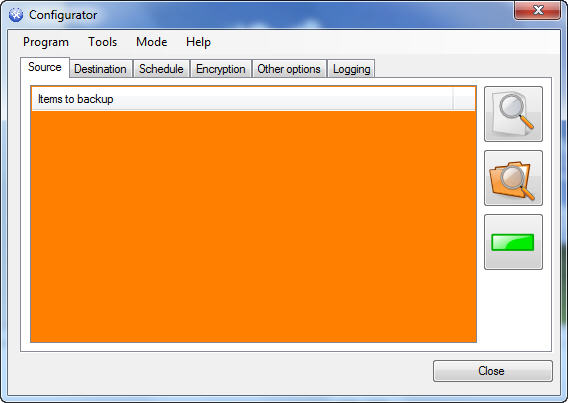
Vista Backup Mill is designed to backup your files and folders as fast as possible with minimal effort and interruption on your part. It makes secure (AES-256 encrypted) backups of your personal data: documents, projects, articles, game saves, program configuration files, and private data. It can store backups on HDD, flash devices, remote FTP servers, or network computers. You can even point to multiple storage locations. Vista Backup Mill is designed to save you time configuring and administrating it.
Open Source Backup
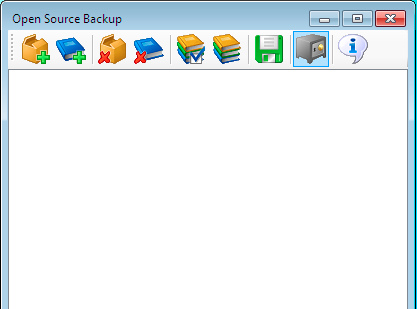
Open Source Backup is a simple and fast backup application for Windows. It provides base functionality for creating a reserve copy of files/folders and restoring them. Open Source Backup is written in C#, and the source code is available on the developer’s site.
DOWNLOAD | FREE!
Backup Mill
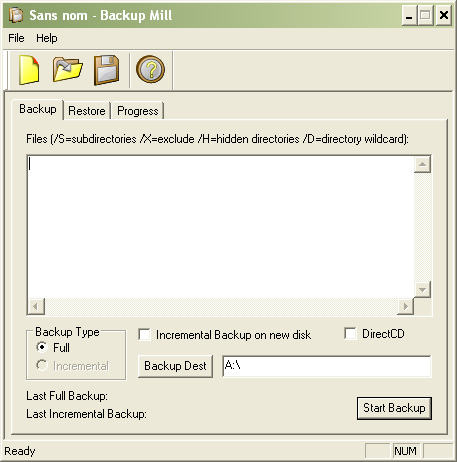
You can back up your data files on to disk, diskette, CD or DVD. Buckup Mill will keep track of file versions and disks. You can restore any file to any previous version without having to know on which disk or in which backup set it is located. You can create unlimited incremental backups. This saves time, backups and restores are very fast.
DOWNLOAD | FREE!
BackupMill: Easy Backup Utility
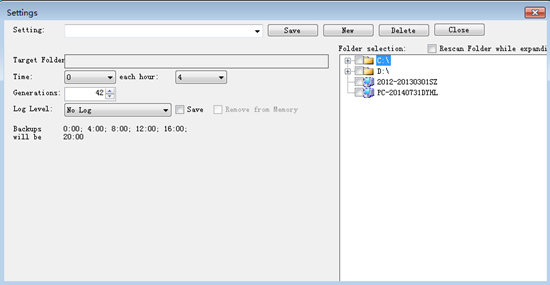
A small Windows file backup tool. Target: a folder mirrors the source folders via hard links (must:NTFS). The files are stored in separate dirs with history. -Long paths supported -Network supported -Multiple settings -Easy to use.
DOWNLOAD | FREE!
Handy Backup
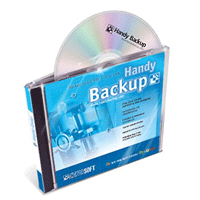 Handy Backup™ is an easy-to-use program designed for an automatic backup of your critical data virtually to any type of storage media including CD/DVD-RW devices and remote FTP servers. You can use Handy Backup to make a reserve copy of any valuable data on your system. Special addons are provided to facilitate the backup of MS Outlook, system registry and ICQ files. Restoring is as easy as clicking a button, but you can also use a number of advanced options. The program can be also used to synchronize files between two computers on a network.
Handy Backup is designed for MS Windows 9x/NT/2000/ME/XP. Strong file encryption and multi-choice zip compression on the fly, as well as many other useful features, will protect your valuable data. All backup activities are recorded in a log file. Detailed online help is available.
If you are looking for a simple yet powerful backup solution for your business or for your personal needs in a networking environment or on a single machine, you have just found it. Download the 30-day trial version and see for yourself. You may purchase Handy Backup from our e-commerce provider RegNow.